One-click connections
Save your hosts once, then open a secure SSH session without re-entering the same details.
Connect to servers, transfer files with SFTP, manage SSH keys and monitor your fleet from one secure workspace.


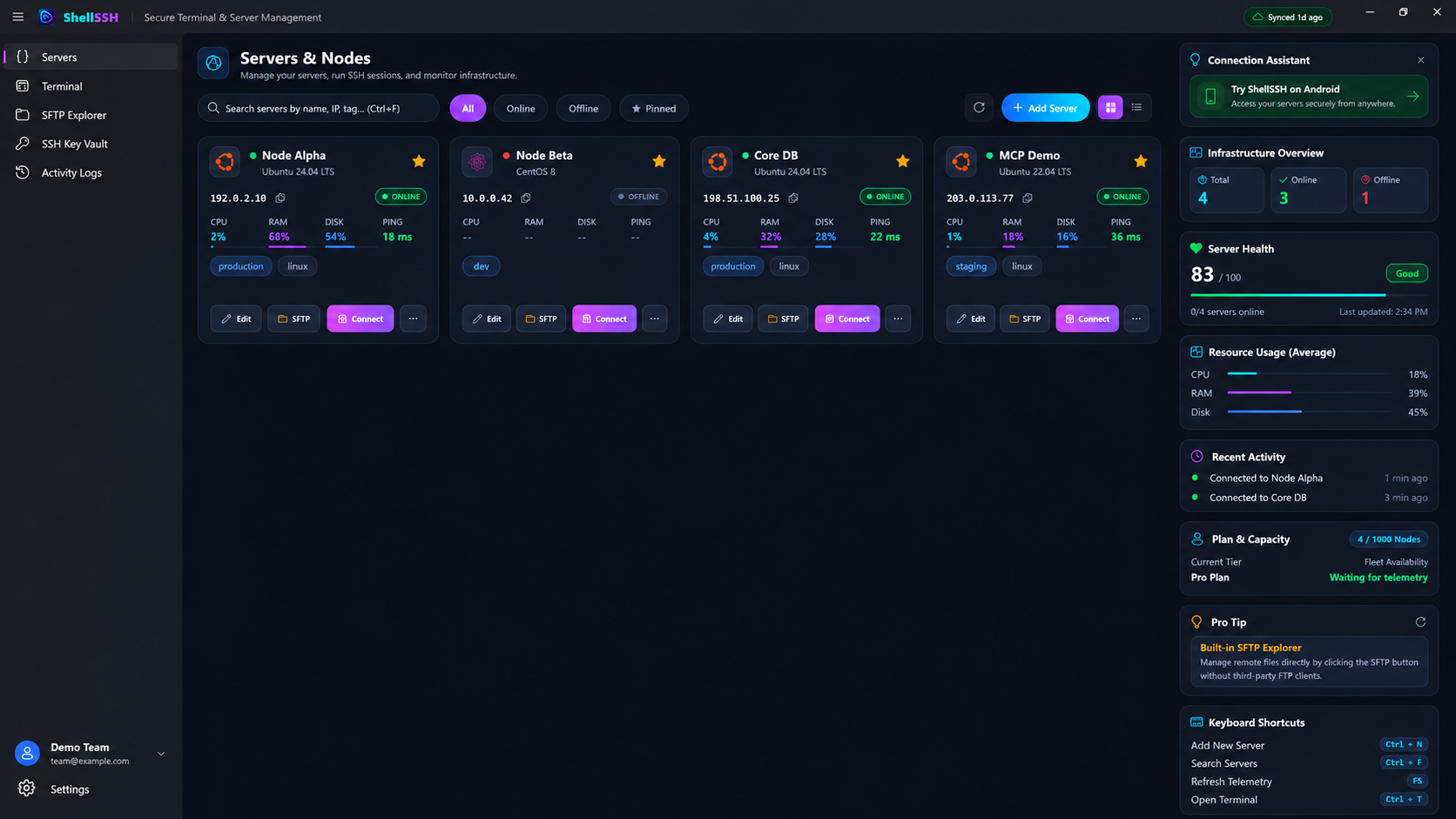
From the first connection to the hundredth host, ShellSSH keeps the tools you reach for every day close and uncluttered.
Save your hosts once, then open a secure SSH session without re-entering the same details.
Move files, manage folders and inspect permissions without leaving your remote workspace.
Create and manage ED25519 and RSA identities with protected local key storage.
See reachability, latency and resource snapshots across your server fleet at a glance.
Keep multiple sessions moving with familiar terminal behavior, quick commands and searchable scrollback.
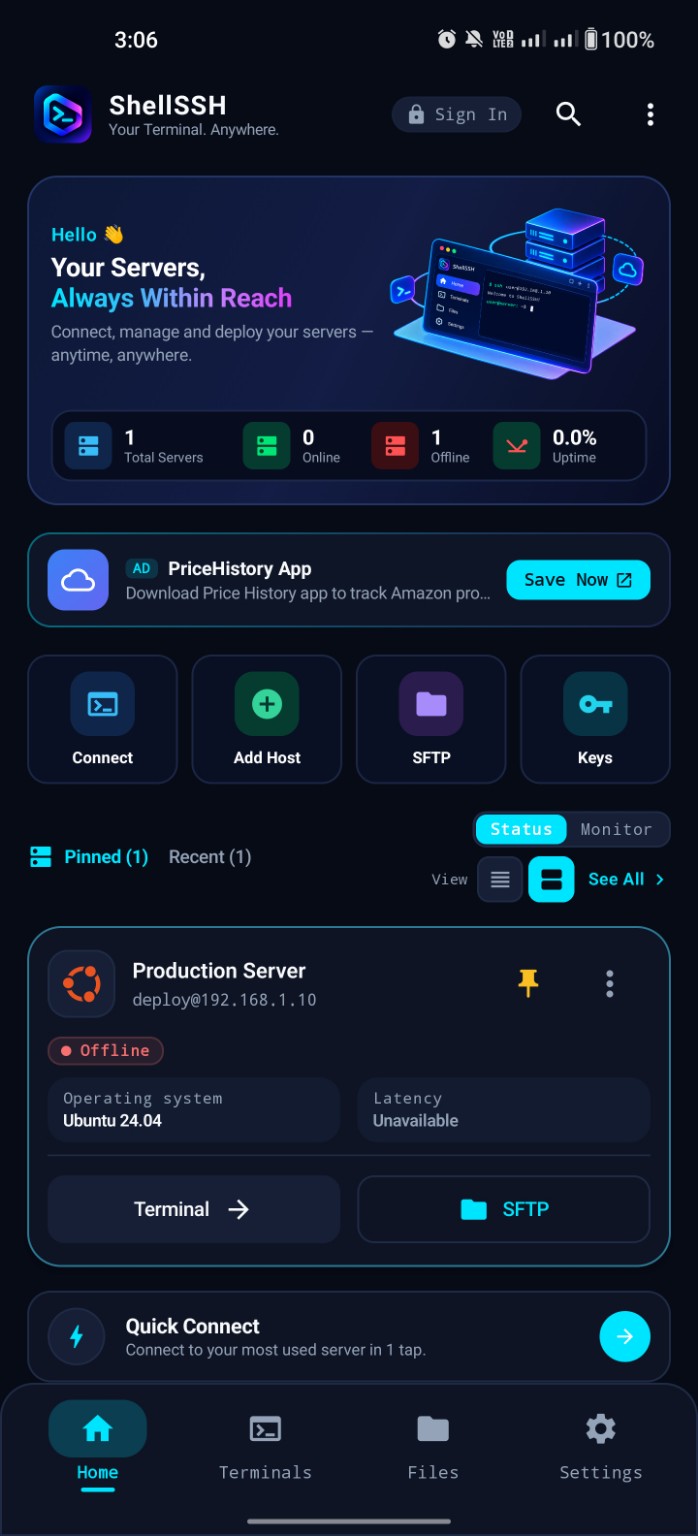
Keep supported devices aligned with encrypted sync, so your saved hosts and workspace are ready when you switch screens.
ShellSSH uses the same authenticated encryption format on Android and Windows. The sync service receives opaque encrypted envelopes—not plaintext credentials or private keys.
Every synced record is encrypted with a 256-bit item key, a fresh 96-bit nonce and a 128-bit authentication tag.
A unique item key is derived from the vault key and bound to its account, vault, epoch, record type and record ID.
New devices receive the vault key through ephemeral ECDH P-256 and authenticated AES-GCM key wrapping.
A 256-bit recovery secret uses HKDF, AES-GCM and HMAC-SHA256 challenge proofs—never a server-readable vault key.
Local AES keys and non-exportable device signing keys are generated in Android Keystore, preferring StrongBox and falling back to the device TEE.
Non-exportable P-256 device keys prefer the TPM, while local vault state is protected with current-user Windows DPAPI.
Memory hygiene Sensitive key and plaintext buffers are cleared after cryptographic operations in both platform implementations.
Host verification, protected key storage and on-device encryption help keep access secure without slowing down everyday work.
Everything you need to understand the basics before your first connection.
ShellSSH combines an SSH terminal, SFTP browser, key manager and server dashboard in one focused workspace.
Yes. ShellSSH supports private-key authentication and can generate ED25519 and RSA 4096-bit keys.
Yes. You can browse remote folders, upload and download files, rename items and manage common file operations.
Sensitive synchronized data is encrypted on your device with AES-256-GCM before it is sent to the sync service.
Start with ShellSSH and bring your servers into one focused workspace.